
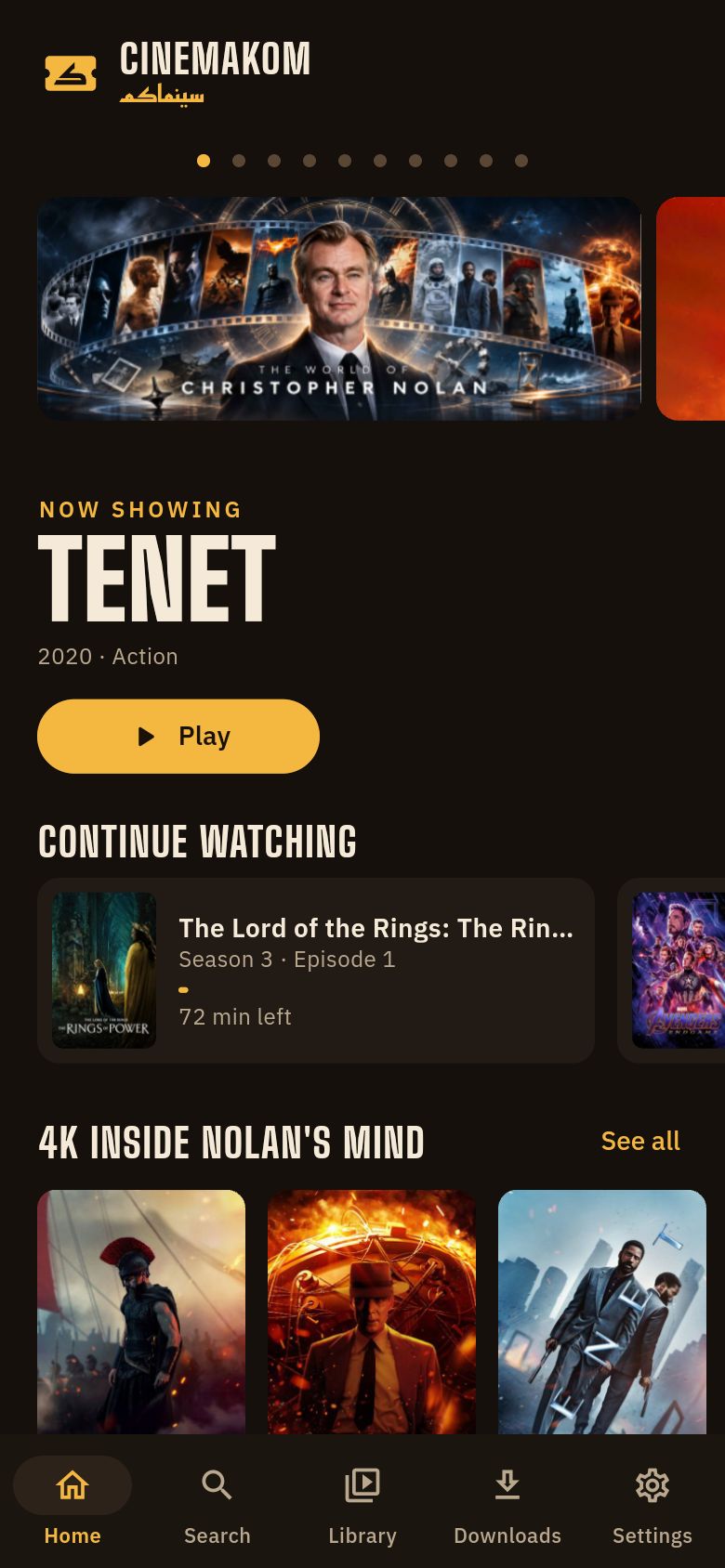

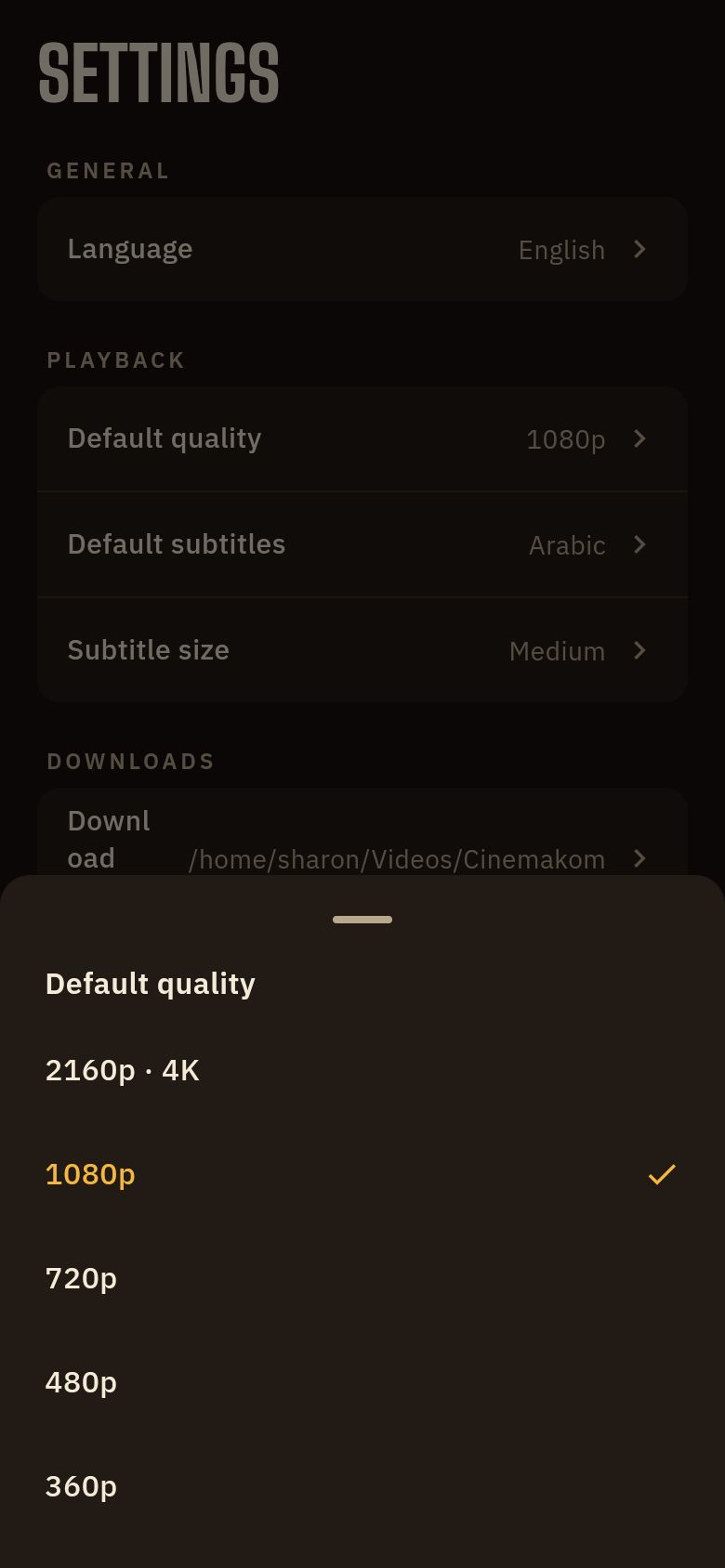
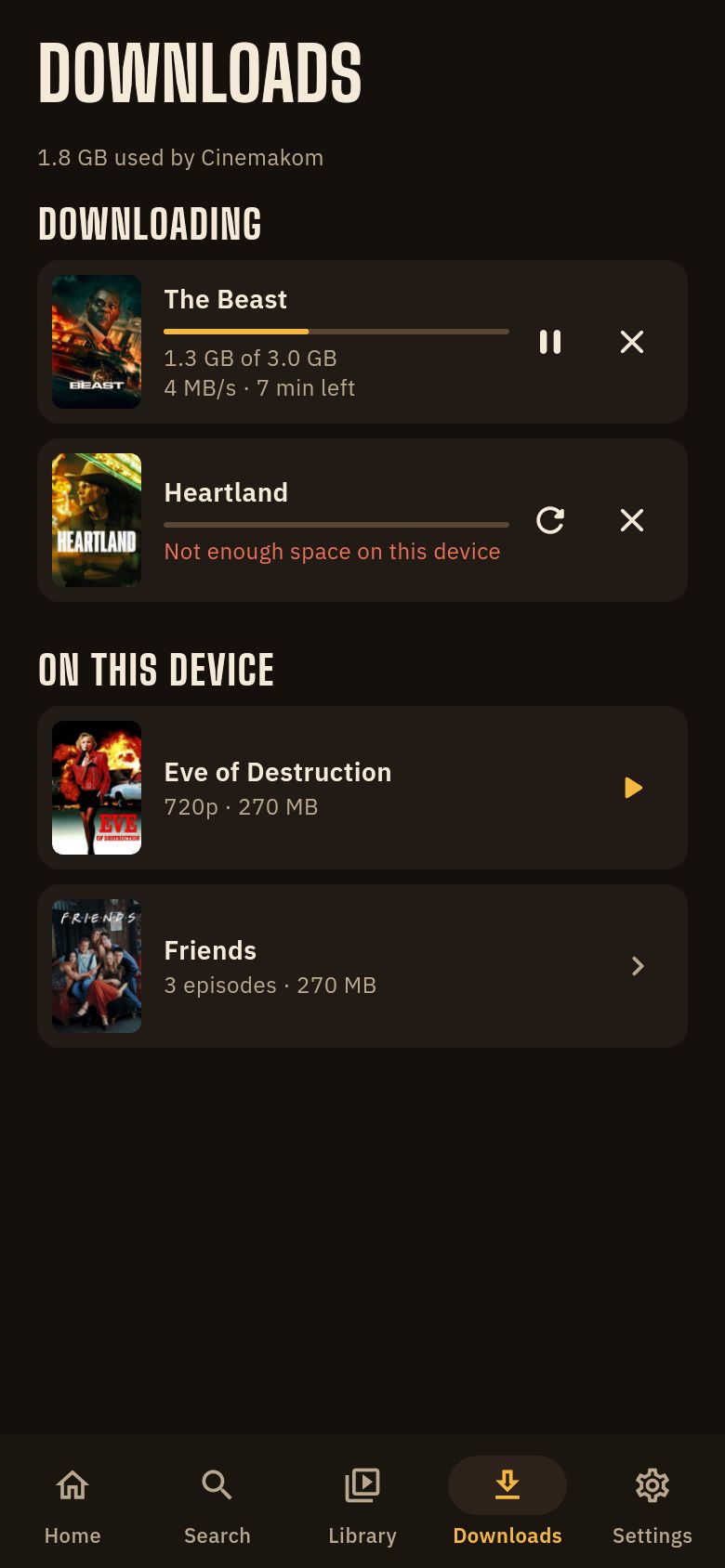
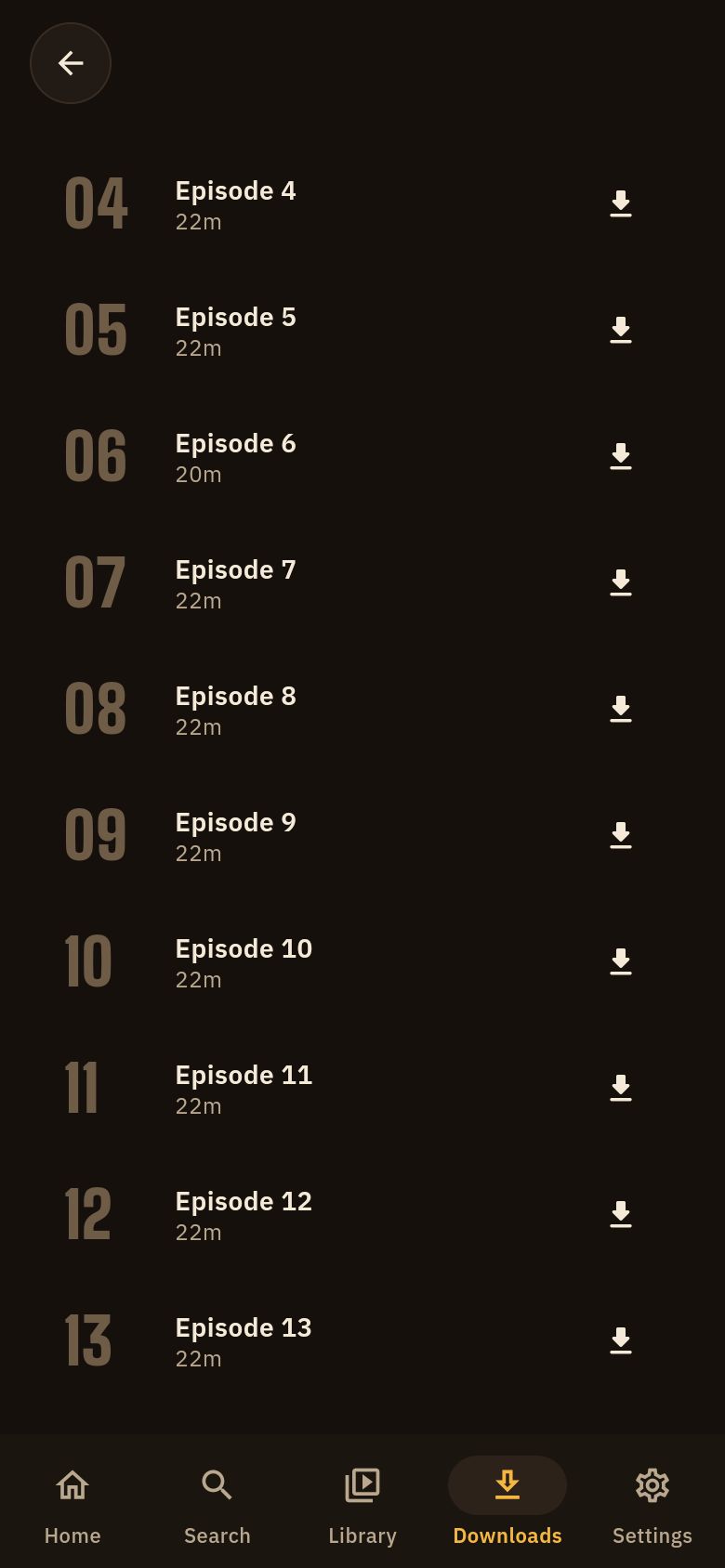
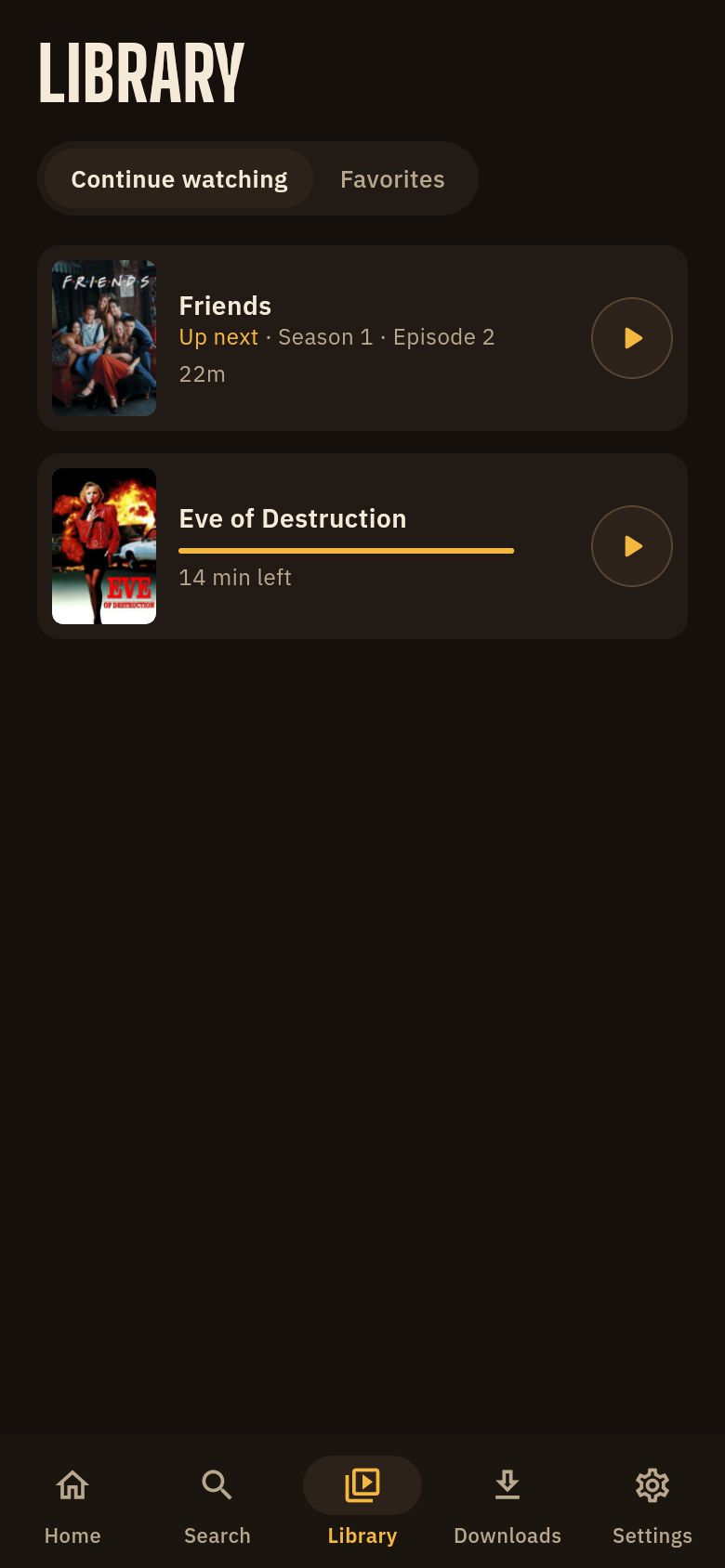
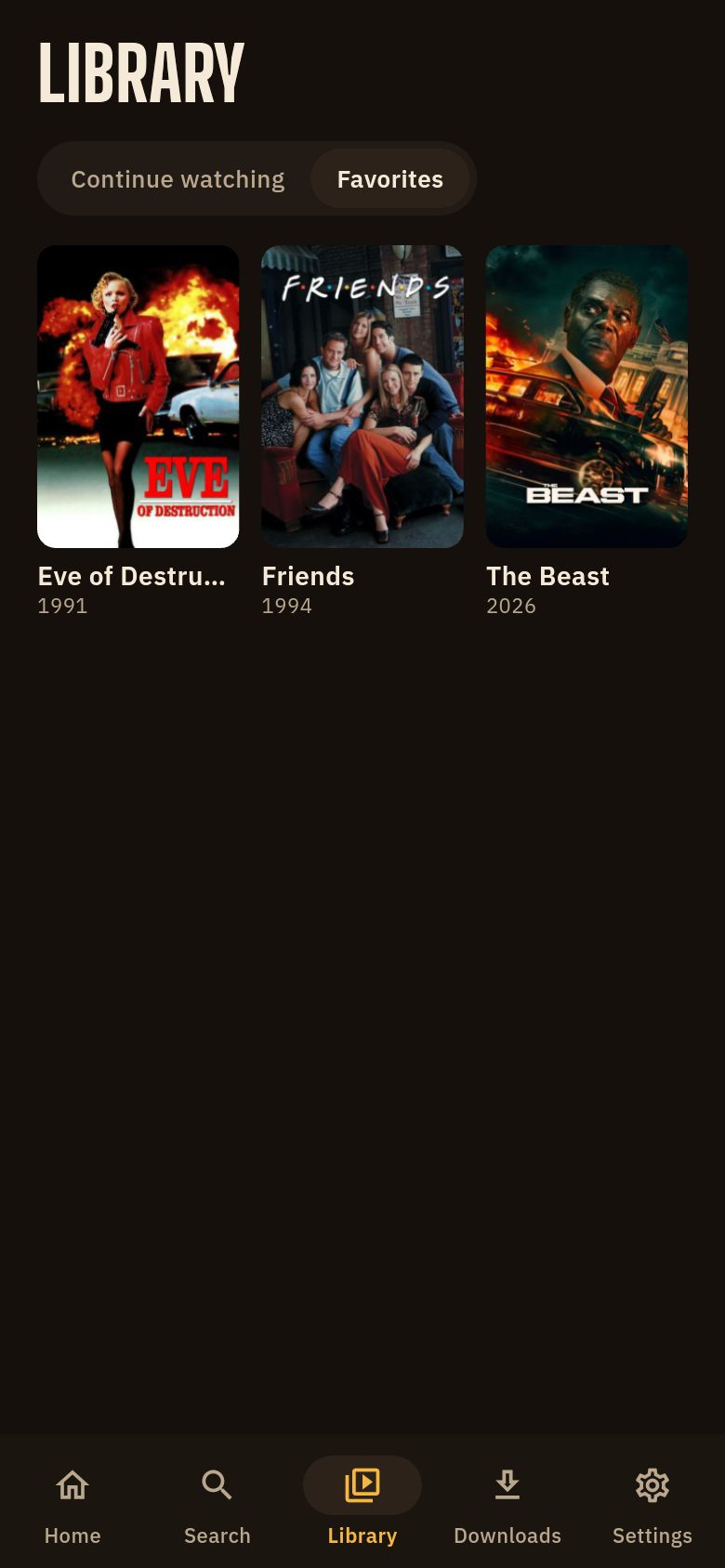
Android phone or tablet
Download for Android phones · 39 MB
File: cinemakom-v1.0.0-android-arm64-v8a.apk
Other versions
For older phones
Try it if the main file says App not installed.
For older phones · 36 MB
File: cinemakom-v1.0.0-android-armeabi-v7a.apk
Chromebooks and emulators
For Android on Intel or AMD processors.
Chromebooks and emulators · 44 MB
File: cinemakom-v1.0.0-android-x86_64.apk
How to install
- Open the file you downloaded (tap the notification, or find it in your browser’s downloads).
- If Android asks, let your browser Install unknown apps, then go back and tap Install.
- If Play Protect warns you, choose Install anyway. It warns about every app that isn’t from the Play Store.
Updating
- Download the new version here and install it over the old one. Your favorites, history and downloads stay.
- Only if you have version 1.0.0: uninstall it once before installing a newer version. Version 1.0.0 was signed with a temporary key and every later version uses the permanent one, so Android won’t install over it. Uninstalling clears its favorites and history.
Check the file
If you want to be sure the file arrived whole, compare its SHA-256 checksum with this one.
cinemakom-v1.0.0-android-arm64-v8a.apk0afdc0ed1f6ed9b8f4ec8ed34fc58b4fadf71daa7642ea9eb850c6746a6d9fcd
cinemakom-v1.0.0-android-armeabi-v7a.apkd64561db9ee345a96d1dbf6f69ddeb82139d75ecd0367e6e8df4f4830d43bd2c
cinemakom-v1.0.0-android-x86_64.apk947ce633a7889aeda7211744b3a475a3d746b4d4e613a542c06e28238186b5c4